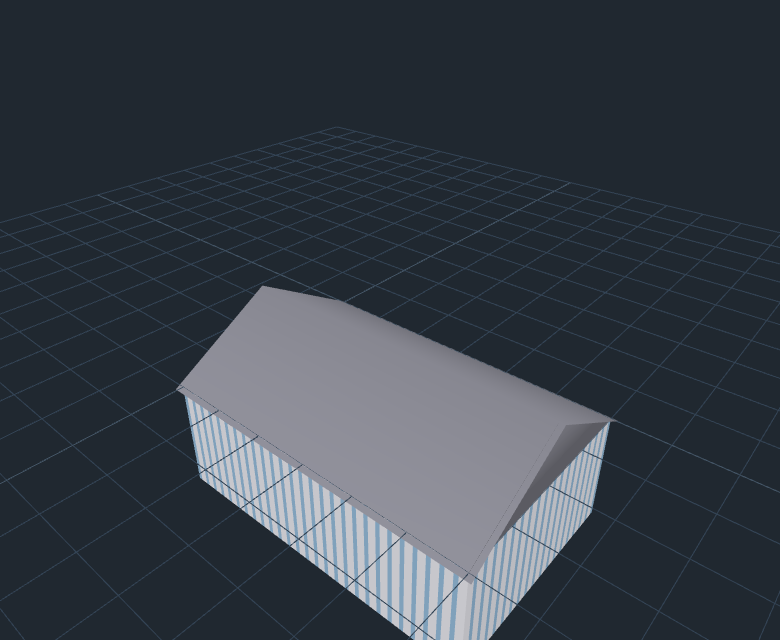
Generate building models from a single sentence, right inside the 3D software you already use. The plugins call the CityEngine cloud generation service (api.cityengine.cn) and import standard glTF models straight into your scene.
Before you start: no account yet? Click “Register” inside any plugin — email + password, done in 30 seconds, and a Plugin Key is issued automatically (shown in full only once — save it immediately).
Existing users can sign in to the
User Center → “API Key” page to issue a key. Since v0.2.0 the service endpoint (api.cityengine.cn) is built in — you only need to paste your key.
Blender
v0.2.0 · Blender 4.2+ (Extensions format) / older versions (legacy zip)
- Download the zip (Extensions build for 4.2+, legacy for older versions).
- Blender → Edit → Preferences → Add-ons → Install from Disk, then pick the zip.
- Enable “CityEngine Gen”, press
N in the 3D viewport to open the sidebar.
- Enter your Plugin Key (or click “Register” to sign up on the spot), type one sentence → Generate.
60-second quickstart: type “three-story street-front shops” → the model lands at the scene origin in about 20 seconds.
Download for Blender 4.2+
Legacy build
Unity
v0.2.0 · Unity 2021+ (requires glTFast 6.12+ and Newtonsoft.Json)
- Download the tgz, then Package Manager → Add package from tarball.
- Install the dependencies
com.unity.cloud.gltfast and com.unity.nuget.newtonsoft-json when prompted.
- Open the panel via Window → CityEngine Gen.
- Enter your Plugin Key (or click “Register” to sign up on the spot), type one sentence → Generate.
60-second quickstart: results are instantiated at the scene origin with full Undo support.
Download Unity package
SketchUp
v0.2.0 · SketchUp 2017+ (.rbz extension)
- Download the .rbz file.
- SketchUp → Window → Extension Manager → Install Extension.
- Open the panel via Extensions → CityEngine Gen.
- Enter your Plugin Key (or click “Register” to sign up on the spot), type one sentence → Generate.
60-second quickstart: models are imported with automatic metric conversion, aligned to SketchUp’s Z-up axis.
Download SketchUp plugin
Unreal Engine
v0.2.0 · UE 5.4+ (C++ source package, requires compilation; depends on Interchange)
- Download the tgz and extract it to your project’s
Plugins/CityEngineGen folder.
- Regenerate project files and build (a C++ toolchain is required).
- Open the panel from the CityEngine Gen editor menu.
- Enter your Plugin Key (or click “Register” to sign up on the spot), type one sentence → Generate.
60-second quickstart: results are imported as assets via Interchange. Note: this package ships as source code; your project must have a working build environment.
Download Unreal plugin
Web SDK (three.js)
v0.2.0 · npm package source zip (@cityengine/gen-sdk, peer three ≥0.160)
- Download and unzip, then run
npm install to install the three peer dependency.
import { GatewayClient } from './src/client.js'.generateToScene(scene, { apiKey, text }) sends one sentence straight into your three.js scene (endpoint is built in; the gateway parameter is optional). client.register(email, password) signs up and returns a key directly.
60-second quickstart: the bundled viewer/index.html example works with any static file server.
Download Web SDK
Quota & Plans
Billed by account plan (no extra charge within limits)
Free plan: natural-language generation (NL) 5 times/month, model generation 100 times/day.
Standard / Pro / Lifetime members: NL unlimited, model generation 100 times/day.
All plans share a 60 requests/minute rate limit (HTTP 429 beyond that; plugins retry automatically).
File integrity: SHA256 checksums for all downloads are in SHA256SUMS.txt.
 CityEngine
Back to Home